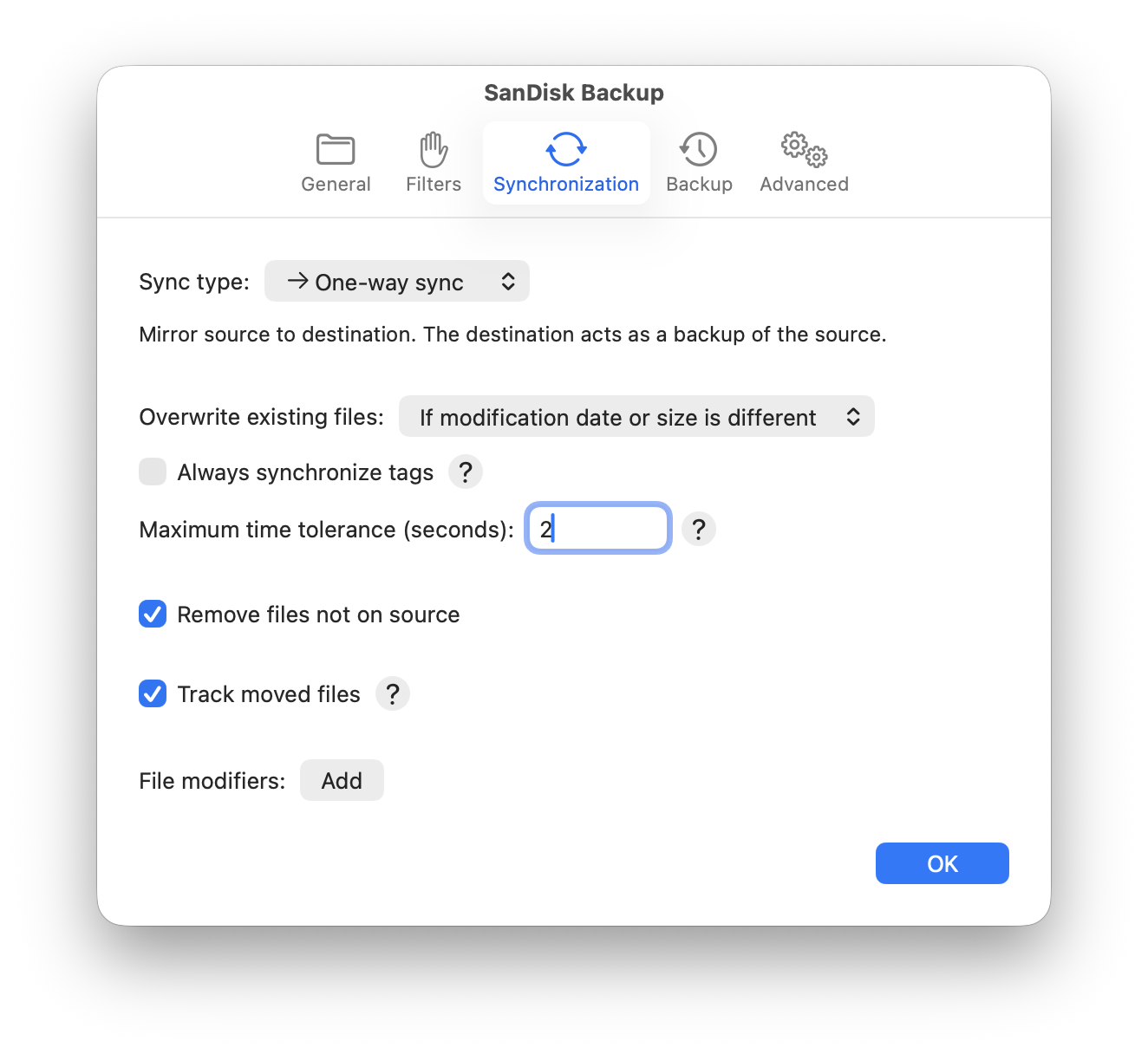
Finder tags are copied automatically whenever a file is added or overwritten. On the other hand, changing only a file’s Finder tags is not detected, since reading the Finder tags (which are stored as extended attributes) takes relatively long when compared to reading attributes like modification date or size. This is to avoid slowing down sync operations that don’t require Finder tags to be always up to date.
To force synchronization of Finder tags even for files whose contents haven’t changed, enable the option Always synchronize tags in the Synchronization tab of the sync settings.